


Look here
Forgot your Google password? Now you can log in with a selfie.
Google’s selfie videos can be used for account access, AI Avatars, and age verification.
37
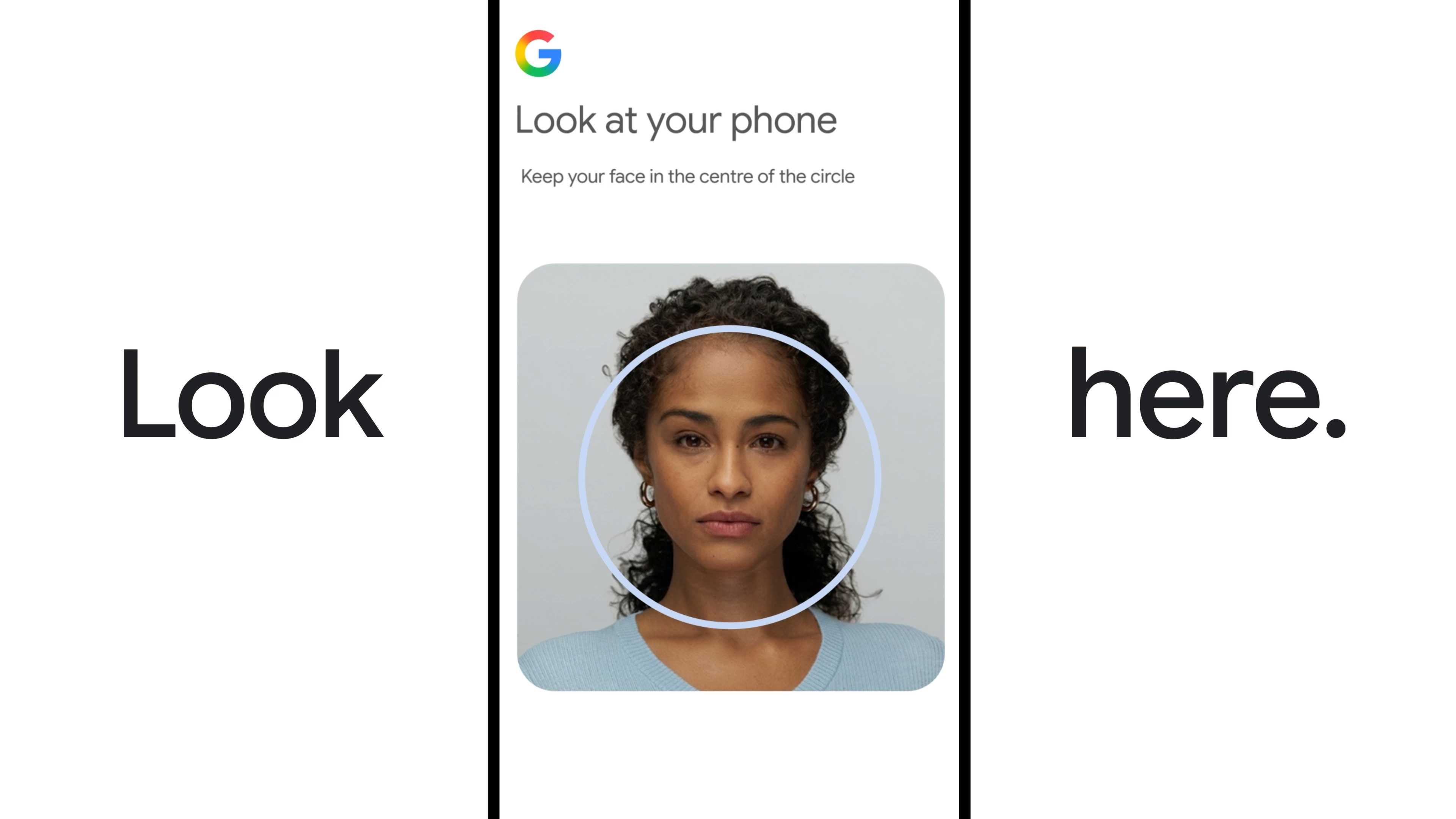 Look here. Follow instructions. Obey.
Credit:
Look here. Follow instructions. Obey.
Credit:
Text settings
Story text
Size
Small Standard Large
Width *
Standard Wide
Links
Standard Orange
* Subscribers only
Learn more
Minimize to nav
Getting locked out of an account is no fun. Google has a few ways to help you regain access if you happen to forget your password or lose an authenticator, including recovery contacts and backup codes. Now, Google has a completely new option: your face. You can now give Google a video record of your face and sign into your account with a selfie, which sounds like something people are going to just love.
You will have to set this feature up ahead of time if you want the option of regaining account access with a selfie later on. To get started, verify your account type is supported. You won’t be able to configure selfie sign-ins for Workspace accounts, child accounts, or any account enrolled in Google’s Advanced Protection Program.
Configuring selfie sign-in requires you to record a video, which Google will store on its servers. Google’s selfie sign-in landing page includes the typical disclaimers about privacy and data access, promising that the company will keep the video encrypted and won’t use it for any other purposes unless you opt in.
Selfie videos can be used for login purposes, to verify your age for accessing certain account features, and to create an AI avatar. Currently, Google does have an optional toggle in the setup flow that allows the company to use your selfie video to improve its facial recognition tech. A Google spokesperson confirms this is not required to use the new account recovery feature, and the company will not use the video for anything else if you leave the box unchecked.
Assuming you’re okay with all that, you will use the camera on your phone or computer to record yourself looking around as instructed. This allows Google’s models to accurately map your face so the system can compare that to selfies you take in the future to verify your identity. Google notes it may ask users to update their selfie videos on occasion.
When you use a selfie to access your account, Google will have you move your head around to ensure you’re a living human. It matches this data against the original video, and boom, you’re logged in. However, in the age of AI, it’s not very hard to make deepfake videos of someone. It’s even possible to do that in near real-time, as would be required for Google account recovery.
Google claims it has multiple layers of security measures to detect deepfakes, but this method may not be as secure as other options. After all, Google won’t allow those using Advanced Protection to use selfie sign-ins. Advanced Protection also requires you to use a security key, restricts third-party apps from accessing your account, and conducts more Gmail scans to detect phishing.
If you don’t mind giving Google your face, you can record a selfie video in just a few minutes. Google notes that you can choose to delete the video from its servers at any time from your account settings.













Comments
0 comment